

Deterministic ports across projects and worktrees
Stable ports, .test hostnames, and wired .env files for every project, worktree, and agent instance. Declare your services once — every checkout is isolated automatically.
- Editing
/etc/hosts - Port conflicts between projects
- Updating five
.envfiles when a port changes - Self-signed certificate warnings
- "What port was this on again?"
Built for the agentic era — agents, worktrees, and parallel development. Work with AI →
Features
Deterministic Ports
Same project, same ports — every time, on every machine.
Multi-Instance
Worktrees, branches, AI agents — each gets isolated ports and hostnames automatically.
.env Integration
Ports, URLs, and computed values written directly to your .env files. Your app reads them natively — no wrapper, no SDK.
Computed Values
Services discover each other. CORS_ORIGINS=${frontend.url} resolves automatically across your stack.
.test Domains with HTTPS
Real hostnames like myapp.test with automatic HTTPS. Built-in DNS and reverse proxy.
VS Code Extension
Sidebar panel with ports, URLs, health indicators, and one-click actions. Install it →
Live Dashboard
All your projects, URLs, and service health in one place.
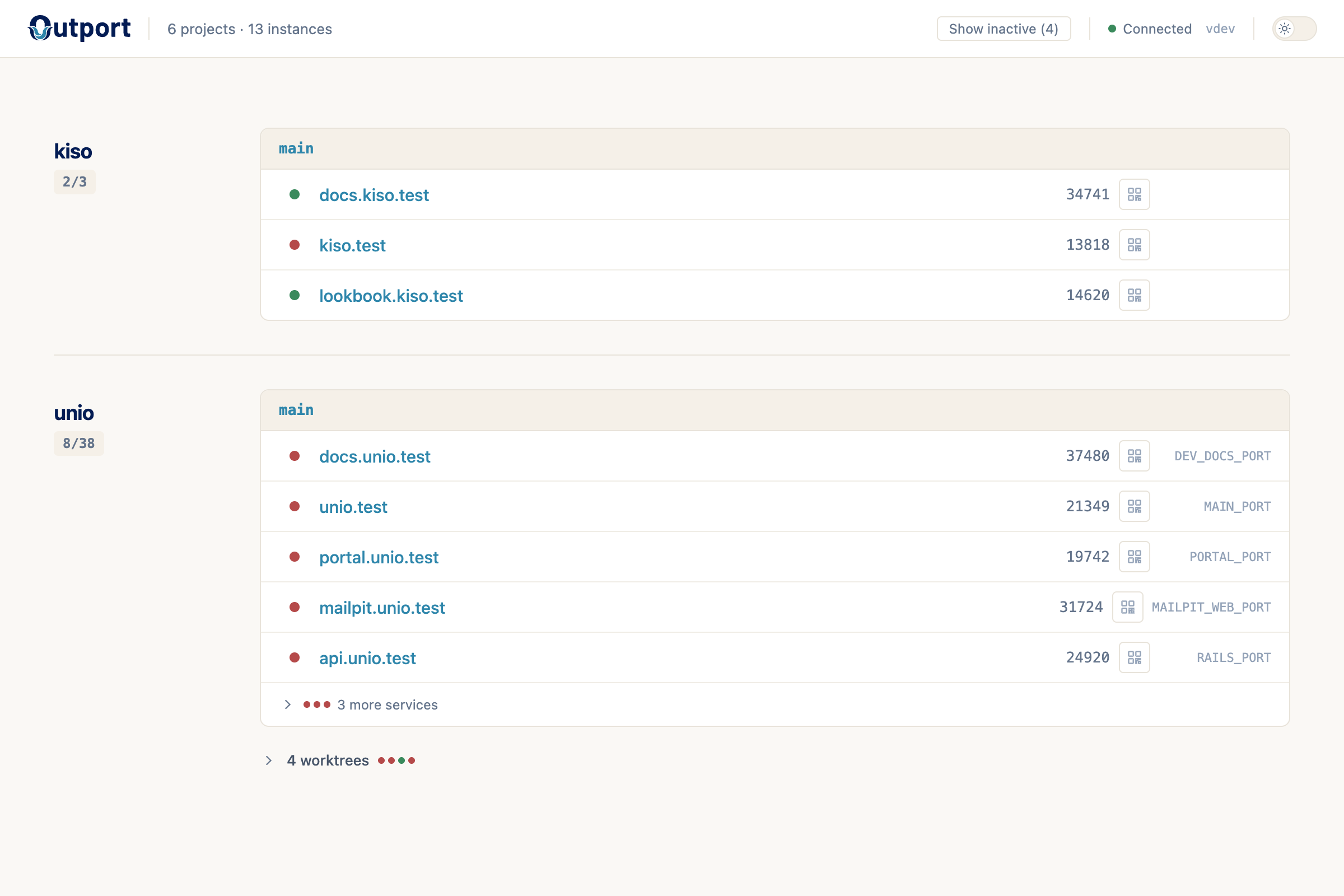
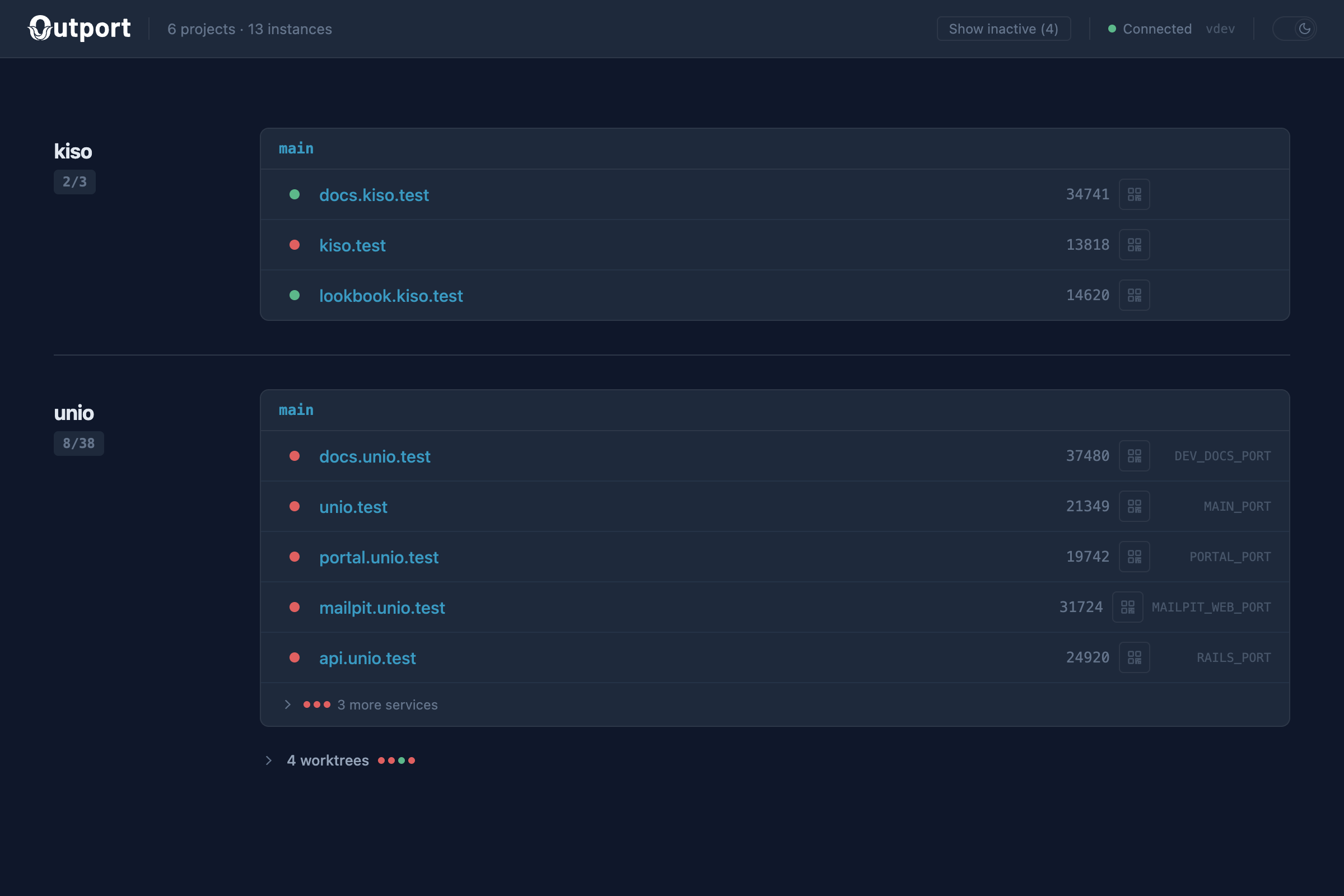
Pin https://outport.test in your browser after running outport setup.
One config, fully wired
Cross-service URLs resolve automatically. Change nothing when switching between main and worktrees.
# outport.yml
name: myapp
services:
  rails:
    env_var: PORT
    hostname: myapp.test
  frontend:
    env_var: NUXT_PORT
    hostname: myapp-frontend.test
  postgres:
    env_var: DATABASE_PORT
computed:
  API_URL: ${rails.url}
  CORS_ORIGINS: ${frontend.url}
# .env
# Your variables are never touched
SECRET_KEY=abc123
DATABASE_URL=postgres://...

# --- begin outport.dev ---
PORT=13842
NUXT_PORT=24519
DATABASE_PORT=28391
API_URL=https://myapp.test
CORS_ORIGINS=https://myapp-frontend.test
# --- end outport.dev ---
outport up works without the daemon — you get deterministic ports and .env integration with zero system changes. Run outport setup to optionally enable .test hostnames and HTTPS.
Try it
macOS and Linux. See all install options.